AI Coding Assistants for VS Code - A Developer's Comparison
🤖 VS Code is my go-to IDE. Experienced with Python, but a recent, smaller project had me venturing into JavaScript, CSS, and HTML. Opportunity to compare some compatible AI coding assistants (which are here to stay)!
🤖 + 💻 GitHub Copilot
👉 Paid service, costing $10 p/m.
👍 Tab autocomplete works well, for me the best autocomplete, maintains context well.
👎 Limited to OpenAI's GPT4 and Codex models.
➡️ Cursor
👉 Lots of buzz about Cursor, including from @Andrej Karpathy.
👉 Twice as expensive as Copilot, at $20 p/m for paid tier and access to OpenAI/Anthropic LLM completions. Or free if bringing your own closed provider API keys.
👍 Slick chat UI.
👍 IMO not so great maintaining context between questions.
👎 Couldn't get working with self-hosted LLM router.
👎 Looks identical to VS Code, but it's a fork. Don't want to get locked into this.
👎 Tab autocomplete only in paid tier!
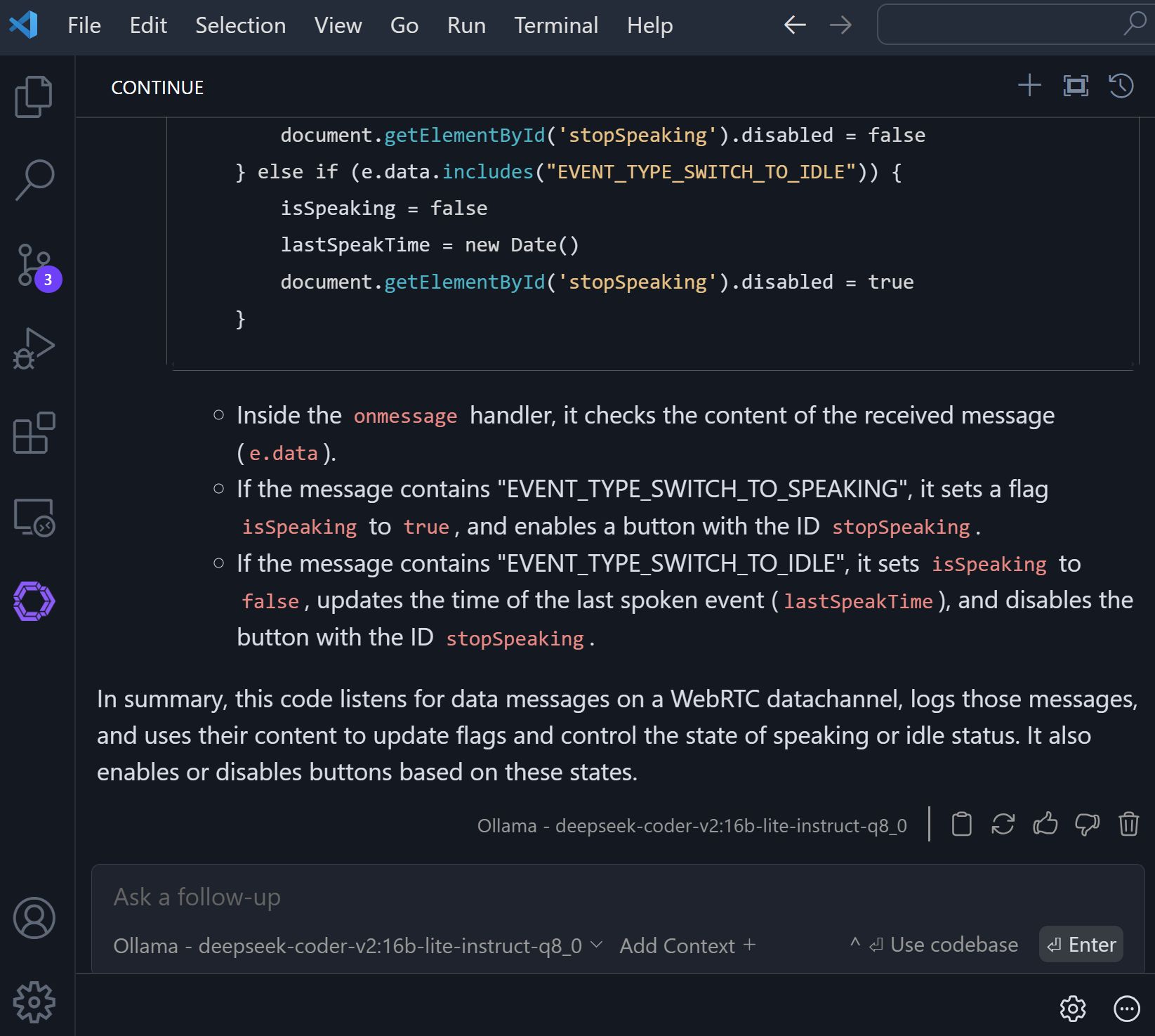
⏩ Continue
👉 Maintains same VSCode functionality, it's just an extension.
👍Full control over model selection for chat text generation/autocomplete/embedding. Bring my own API keys for cloud hosted models, or
👍Seemlessly integrate self-hosted models!
👍Good context retention
For now, sticking with Continue, cancelling that GitHub Copilot sub.